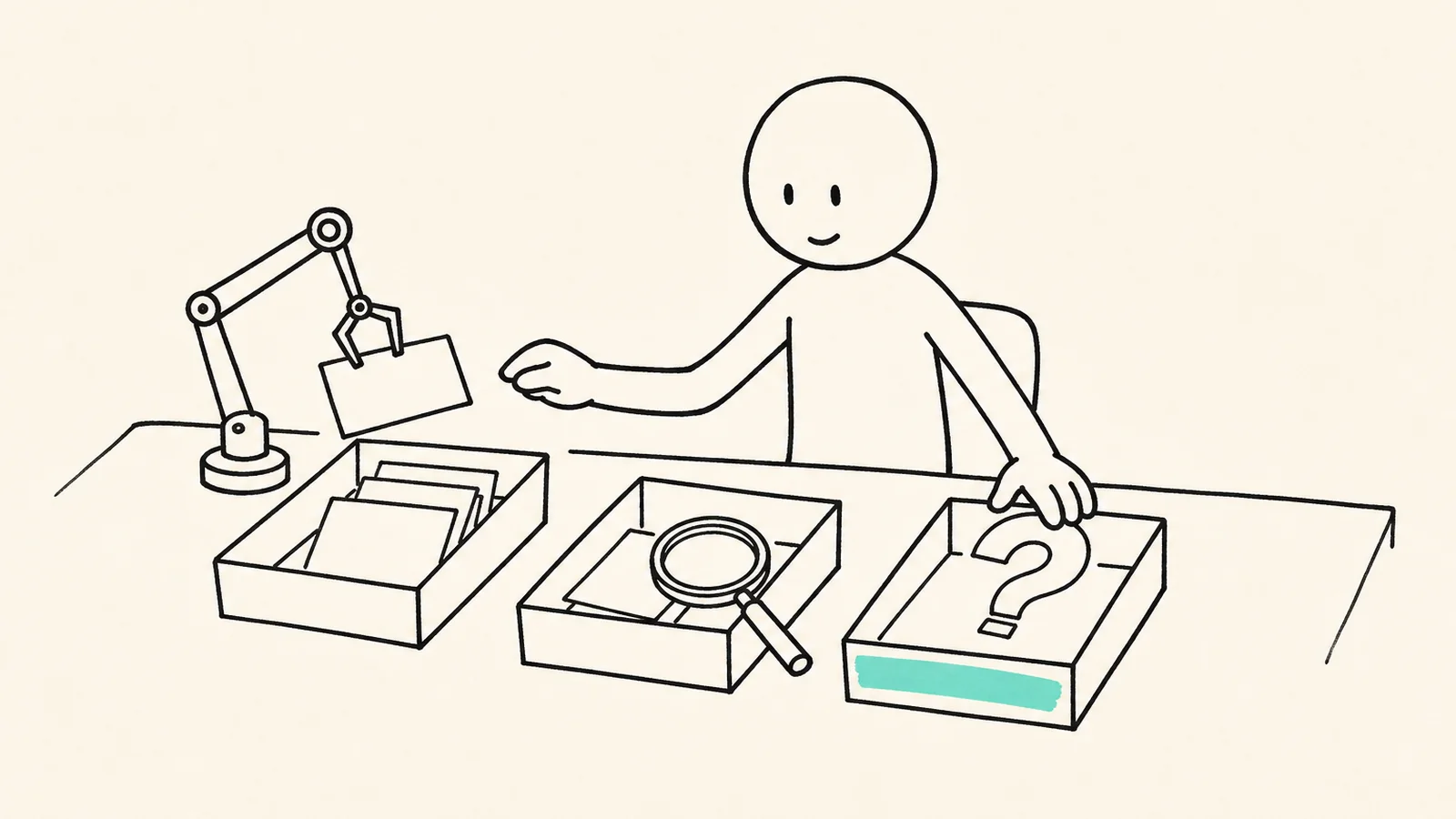
The best ways to use AI depend on the role you give it, not on the tool. Hand a task over when you only need the output and can check it faster than doing it yourself: formatting, routine replies, a first summary of a document you have open. Make AI check your work when you need the skill as well as the result: attempt first, then ask for a hint or a critique. For decisions you will live with, have it ask you questions instead of advising you. The evidence supports the sort. In a 2023 experiment with 758 consultants, AI raised quality by more than 40% on some tasks but cut accuracy from about 84.5% to between 60% and 70% on a task that looked similar. A 2026 trial found hints preserved people's unaided skill while direct answers eroded it, and a 2023 study found AI questions beat even correct AI explanations at spotting flawed logic.
On this page+
The best ways to use AI depend less on the tool than on the role you give it. Hand it tasks where you only need the output and can check it quickly. Make it critique work you attempted first. For decisions only you can own, have it ask you questions instead of answering them for you.
The usual guide to ways to use AI is organized by place: twenty uses at work, ten at home, five for studying. That tells you what is possible. It does not tell you which of those uses will quietly cost you something, and the lists tend to close on the same two warnings: check the output, and keep a human in the loop. Neither says how.
This guide sorts the uses another way, by who does the thinking. Three roles, a test for each, and a two-minute exercise that sorts your own last week of using AI.
What are the best ways to use AI?
The best ways to use AI fall into three roles, and the right one depends on what you need to keep once the task is done.
Hand it over. For tasks where only the output matters and checking it takes less time than doing it. Reformatting notes, a first summary of a document you have open, a polite reply to a routine email.
Make it check you. For work where you need the skill as well as the result. You make the first attempt; the AI gives a hint, a critique or the strongest counterargument.
Make it ask you. For decisions and judgement calls you will live with. The AI asks the questions, you write the answers, and the conclusion stays yours.
Drafts, plans, code, arguments, revision for exams
Ask you
The call is yours to own
The decision and the reasons
Job moves, hard conversations, priorities, strategy
Most good ways to use AI sit in the first two rows. The third is the one people skip, because an assistant answers by default: ask it what to do and it will tell you. Nothing about the tool stops you from asking it to question you instead, and that small change in the request changes who ends up doing the reasoning.
Why does AI help on one task and hurt on the next?
Because its ability is uneven in ways you cannot see from the outside, and on the wrong side of that line it makes you faster and less accurate at the same time.
The clearest evidence comes from a 2023 field experiment with Boston Consulting Group, run by researchers from Harvard Business School, Wharton, MIT Sloan and Warwick1. Fabrizio Dell'Acqua and colleagues gave 758 consultants realistic work, some with access to a leading AI model and some without. On eighteen tasks inside what the authors call the "jagged technological frontier", consultants using AI finished 12.2% more tasks, worked 25.1% faster and produced work rated more than 40% higher in quality. The biggest gains went to the consultants who had scored below average beforehand.
Then came a task built to look like the others but to sit outside that frontier. Solving it meant noticing details in interview notes that contradicted a spreadsheet that seemed complete. Without AI, consultants got it right about 84.5% of the time. With AI, the two groups got it right 60% and 70% of the time, and they finished sooner.
The lesson is not that AI is good or bad at a kind of work. Tasks of similar apparent difficulty fall on different sides of a line nobody has drawn for you. If you sort by how hard a task looks, you will hand over the wrong ones. Sort by what you need to keep and whether you can check the result. That is why the best ways to use AI are described here as roles, not as topics.
Sort by what you need to keep, not by how hard the task looks.
Which tasks can you hand over completely?
Hand a task over when two things are true: you do not need to be able to do it yourself, and you can check the result in less time than doing it would take.
The first test protects your skills. If the tool vanished tomorrow, would it matter that you cannot reformat a reference list by hand? Probably not. Would it matter that you cannot write a clear paragraph about your own project? Almost certainly.
The second test protects the result. A summary of a report you have open is cheap to check: skim the headings, spot-check two claims. A summary of a report you have not read is not checkable at all, which means you are trusting it, not using it.
For anyone asking how can I use AI at work, this row is usually bigger than expected. Turning meeting notes into a tidy list, drafting the routine reply you have written forty times, converting a table between formats, writing the first version of a spreadsheet formula and testing it on three rows: each passes both tests. So do the small open choices that pile up into decision fatigue, when the stakes are low and any reasonable answer will do.
What fails the tests is just as specific. A fact you have no way to look up, a legal or medical claim you cannot assess, a number that will end up in front of someone else: none of these belongs in this row. That is most of what not to use AI for. It is not a list of topics but any output you would have to take on trust.
When should AI check your work instead of doing it?
Use AI as a checker whenever you need the skill as well as the result: make your own first attempt, then ask for a hint or a critique, and ask for the answer last, if at all.
The order matters more than it sounds. In three randomized experiments published in 2026, Grace Liu and colleagues found that about ten minutes of AI help left people solving fewer problems on their own once the tool was taken away2. The people who asked for direct answers fell behind. The people who asked only for hints held level. We went through that study in more detail in what GenAI does to the skills you skip; the practical rule is short. Write your version first, then ask what is weak about it.
The same order applies to ideas. In the Dell'Acqua experiment, consultants using AI produced better ideas on average, but their ideas were more alike than those of consultants working without it. Ask for twenty ideas before you have any and you get the model's twenty, the same twenty everyone else gets. Write your own five first, then ask for more and for what is wrong with yours.
Good checker requests sound like an editor, not a ghostwriter: "What is the weakest step in this argument?", "Which assumption here would a skeptic attack first?", "Give me one hint, not the solution." That is how to use AI without losing skills. The effort that builds the skill stays on your side of the screen, and the tool works on what you produced.
How do you use AI for decisions without handing them over?
Ask it to question you rather than advise you, and write your answers somewhere you can see them.
A 2023 study from the MIT Media Lab tested something close to this3. Valdemar Danry, Pat Pataranutaporn, Yaoli Mao and Pattie Maes asked 204 people to judge whether arguments about divisive topics were logically sound. Some got no help. Some got an explanation of the flaw from an AI that was always correct. Some got the same information framed as questions. The question group was best at spotting the flawed arguments, better even than the people handed a correct explanation, and participants described feeling that they had reached the answers themselves.
That matches the pattern we see in sessions. Ask an assistant what to do about a job offer and you get a tidy list of pros and cons, and the decision is no closer, because the weighing in that list is not yours. Be asked "What would you regret not having tried?" and "Which of these reasons will still matter in a year?" and you start writing things you had not said out loud. The decision moves because the reasons are now your own. As we argued in AI and critical thinking, who asks the questions decides who does the thinking.
This third role is the one we built Inwitt AI for. It is an AI thinking partner app that asks one question at a time and draws your answers onto a thinking board, so the reasoning sits in front of you instead of scrolling away in a chat. Its Decision thinking mode never picks an option. You do.
Common mistakes when using AI
Most of the costly mistakes come from putting a task in the wrong role, not from the tool getting something wrong. Even the best ways to use AI fail when the task lands in the wrong row.
Sorting by difficulty. Hard-looking tasks get your attention and easy-looking ones get handed over. The consultant experiment shows the line does not follow difficulty.
Asking for ideas before having any. You get the average of what the model has seen, and then you anchor on it.
Reading the output and calling it checked. Reading confirms that something sounds right. Checking means comparing it with a source, a calculation or your own attempt.
Handing over the decision and keeping the consequences. If an assistant chose and you followed, you still live with the result, without knowing why you chose it. That is one of the signs of a decision made badly.
Never moving a task back. A task you handed over last year may be one you now need to own. Redo the sort when your work changes.
Questions people ask about using AI well
What should you not use AI for?
Anything you cannot check and would be hurt by getting wrong: facts you cannot verify, medical, legal or financial calls without a qualified second reader, and private information you would not post in a public forum. Do not hand it decisions you will have to explain and live with; use it to question you about those instead.
How can I use AI at work without losing skills?
List the two or three skills your job depends on if the tools went down. For those, attempt the task first and use AI as a checker. Everything else can go in the hand-over row. That is most of how to use AI effectively at work: be generous with delegation and careful with the skills that make you good at the job.
Is it bad to use AI for everything?
Using AI often is not the problem; using it in only one role is. Someone who hands over formatting, checks their own drafts with it and makes their own decisions is using AI all day and keeping every skill that matters. Someone who asks it for answers first, every time, loses practice at whatever they stop doing. The best ways to use AI spread across all three roles.
How do I start using AI if I never have?
For a beginner, the best ways to use AI start in the hand-over row, with a task you do every week and can check in a minute, such as tidying notes. Then try one checker request on something you wrote yourself. Students face the same choice with higher stakes; we looked at how college students use AI and which uses hold up on exam day.
The exercise above is a small version of what a session does: a question, an answer in your own words, and a look at what you wrote. If you want the third role done properly, with questions asked one at a time and your reasoning drawn as it forms, join the Inwitt waitlist.
Footnotes
Fabrizio Dell'Acqua, Edward McFowland III, Ethan Mollick, Hila Lifshitz-Assaf, Katherine C. Kellogg, Saran Rajendran, Lisa Krayer, François Candelon and Karim R. Lakhani, field experiment on the effects of AI on knowledge worker productivity and quality, Harvard Business School Working Paper 24-013, 22 September 2023. Pre-registered; 758 Boston Consulting Group consultants. Working paper PDF↩
Grace Liu, Brian Christian, Tsvetomira Dumbalska, Michiel A. Bakker and Rachit Dubey, "AI Assistance Reduces Persistence and Hurts Independent Performance", arXiv:2604.04721, 6 April 2026, revised 5 August 2026. Three randomized experiments. Preprint. arXiv record↩
Valdemar Danry, Pat Pataranutaporn, Yaoli Mao and Pattie Maes, "Don't Just Tell Me, Ask Me: AI Systems that Intelligently Frame Explanations as Questions Improve Human Logical Discernment Accuracy over Causal AI explanations", Proceedings of the 2023 CHI Conference on Human Factors in Computing Systems. 204 participants. Participants' sense of having reached the answers themselves was reported by MIT Technology Review, 28 April 2023. MIT Media Lab record↩